
Set up a tournament in minutes
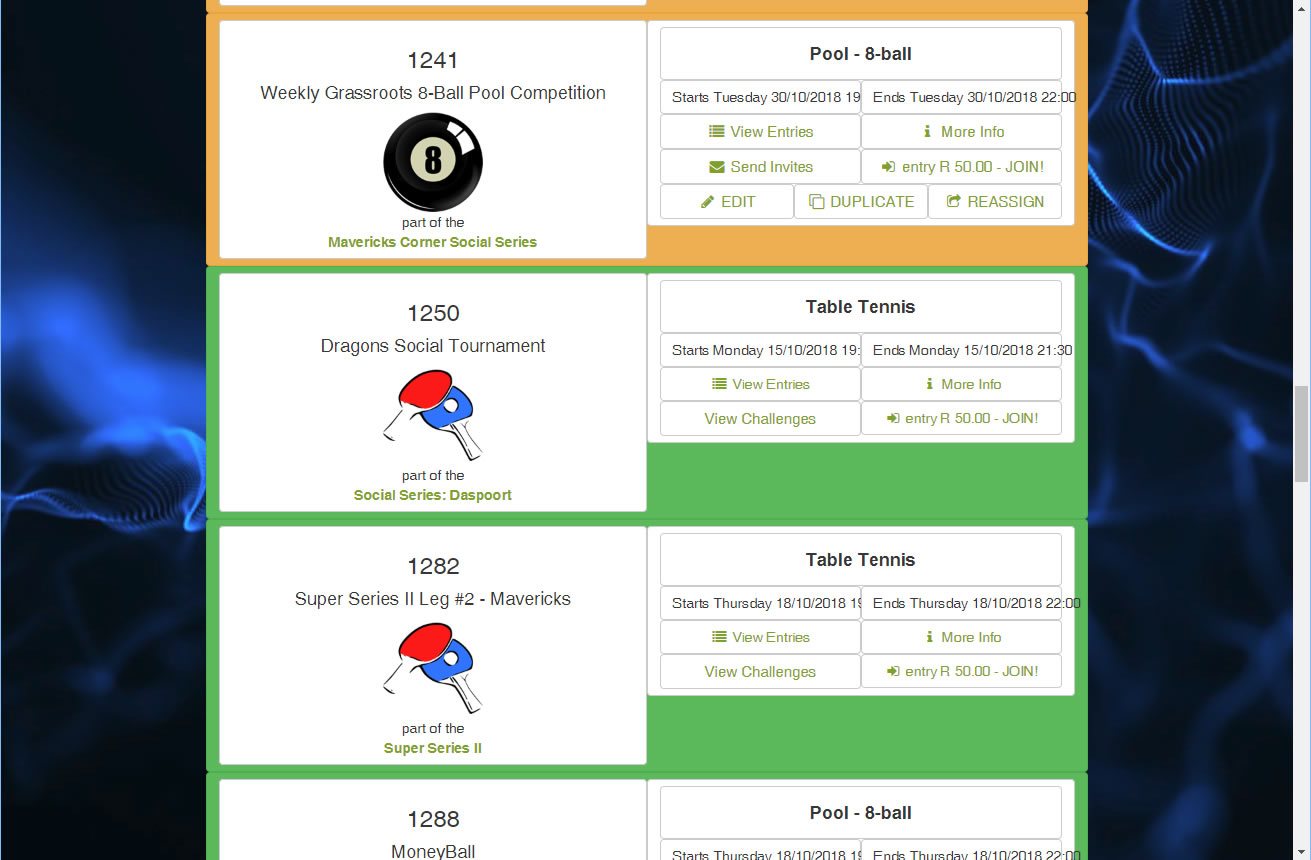
Choose the sport, set start time, entry cut-off and finish, add participation limits and the entry fee.
Say how many playing sections you have (courts, tables, fields) and the system builds an order of play your participants can follow.
Mark the event as part of a series to switch on series rankings, and choose whether it is public or private. Series events can invite every previous participant in the series.
(sports_software_tournaments_view.jpg)
Manage entries and walk-ins
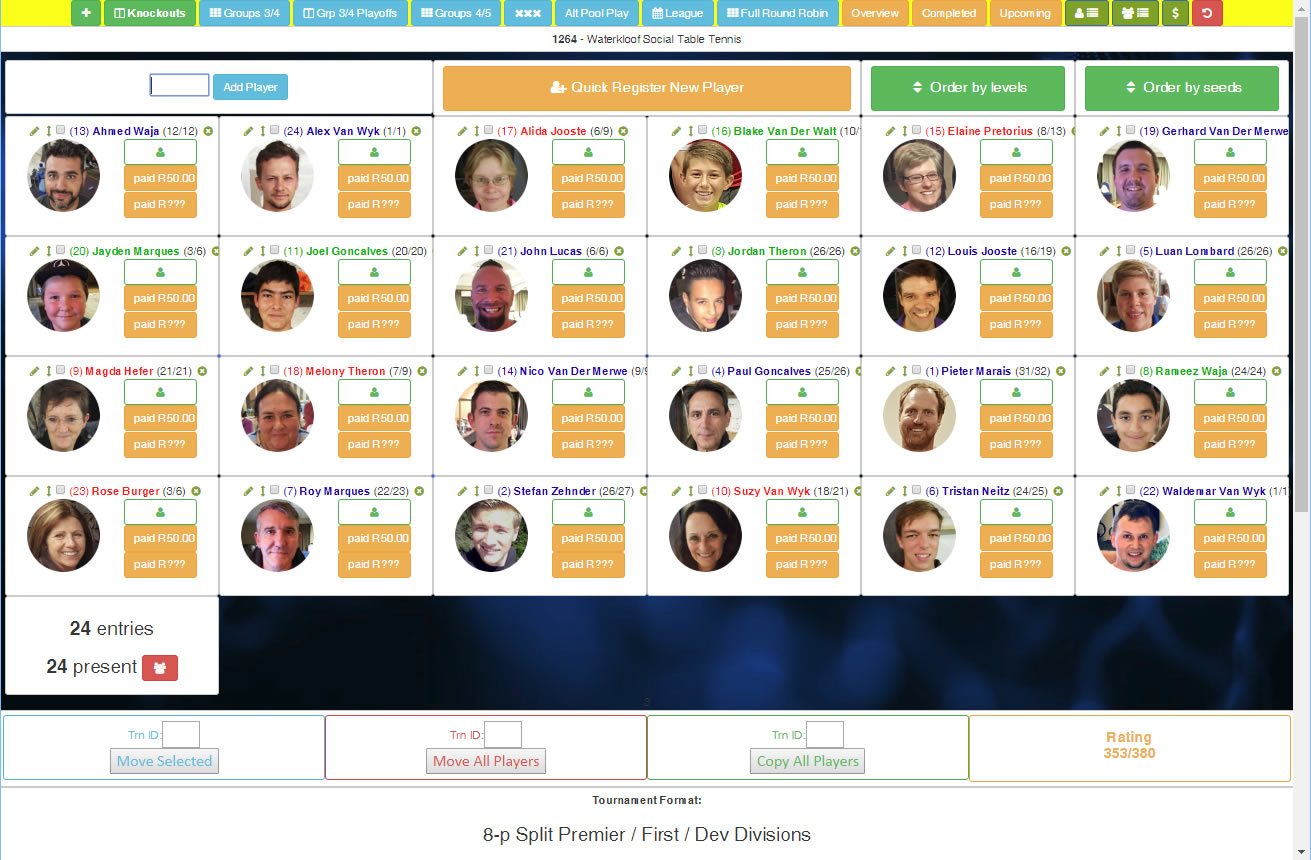
The attendance register tracks entry fee payments, marks pre-entries present and adds walk-ins without fuss.
The system recommends the best format for your numbers, and re-seeds and fixtures the event in seconds.
No more hours spent on a draw, only to redo it when someone turns up unannounced or a pre-entry doesn’t show.
(sports_software_tournament_attendance_register.jpg)
Add and register players
Type the first few letters of a name or surname and pick the player from the matches.
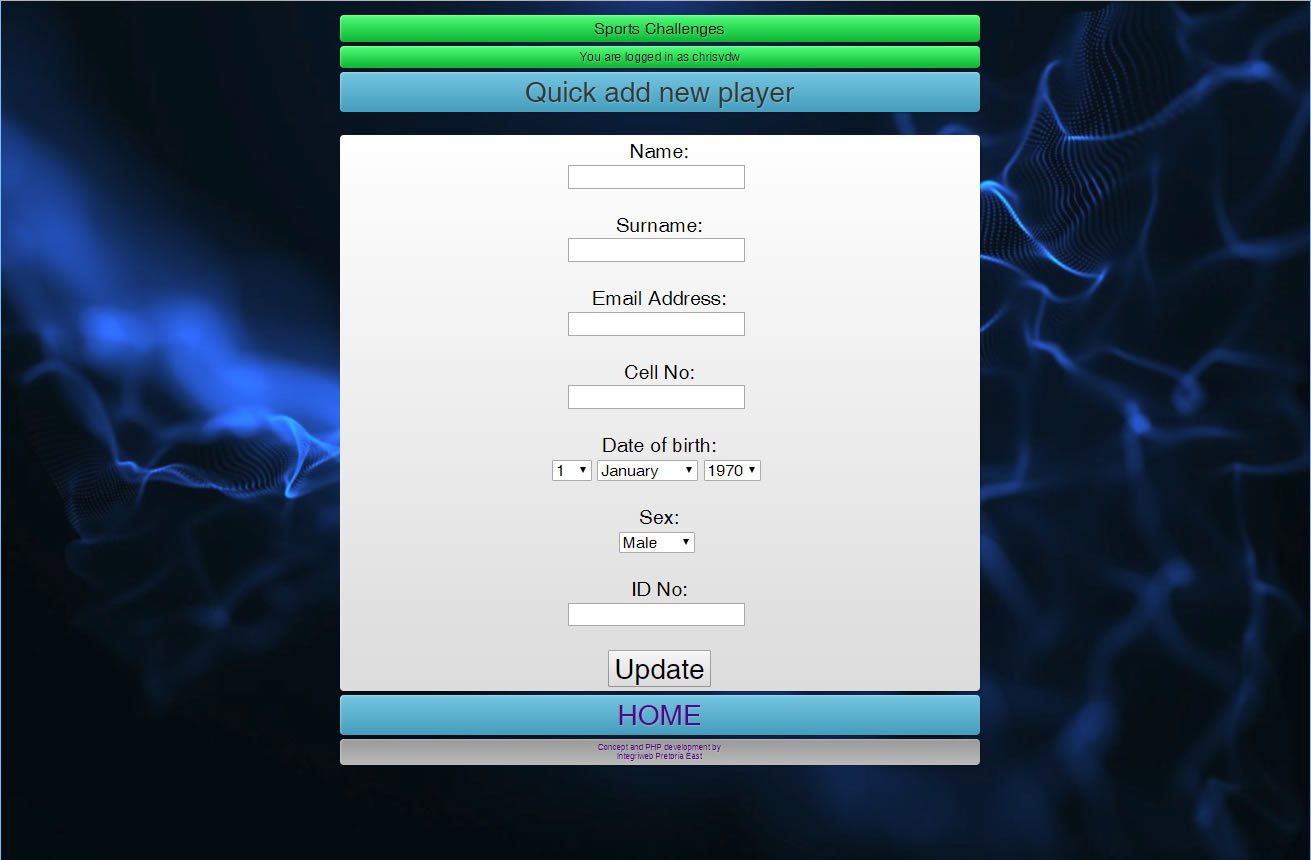
New players register in one step and receive their login details by email, then join the event the same way.
(sports_software_tournament_register_new_player.jpg)
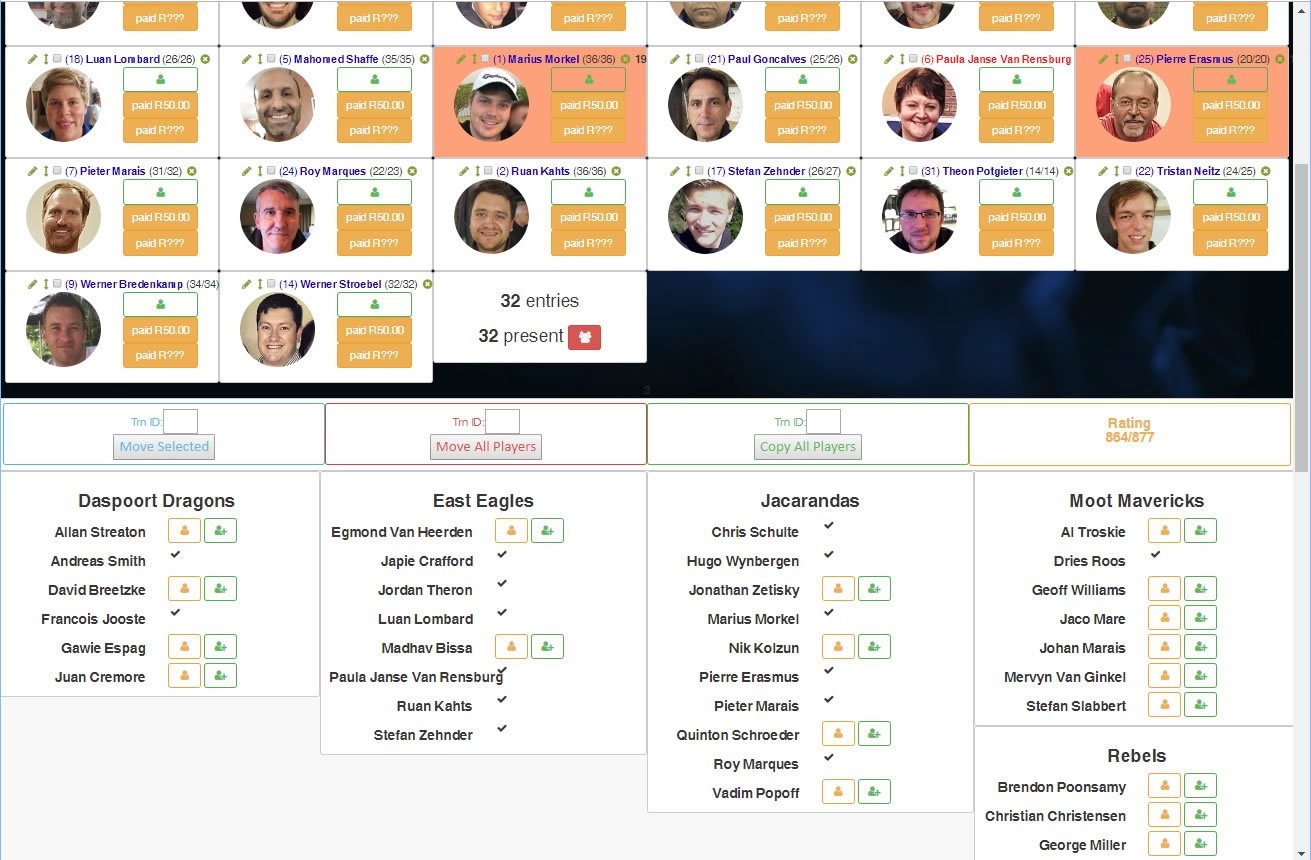
Add a team, then choose its players
For team competitions, add the team to the team register first. Its players can then be added to the event with a single click each.
(sports_software_tournament_view_player_by_team.jpg)
Seven formats built in
- Round robin pools of 3 to 4 players
- Round robin pools of 4 to 5 players
- Triple elimination three strikes and you’re out
- Divisional knockouts with play-offs for every position
- League
- Full round robin
- Alternative pool play seeds pooled together rather than spread
Prefer your own structure? Create matches individually.
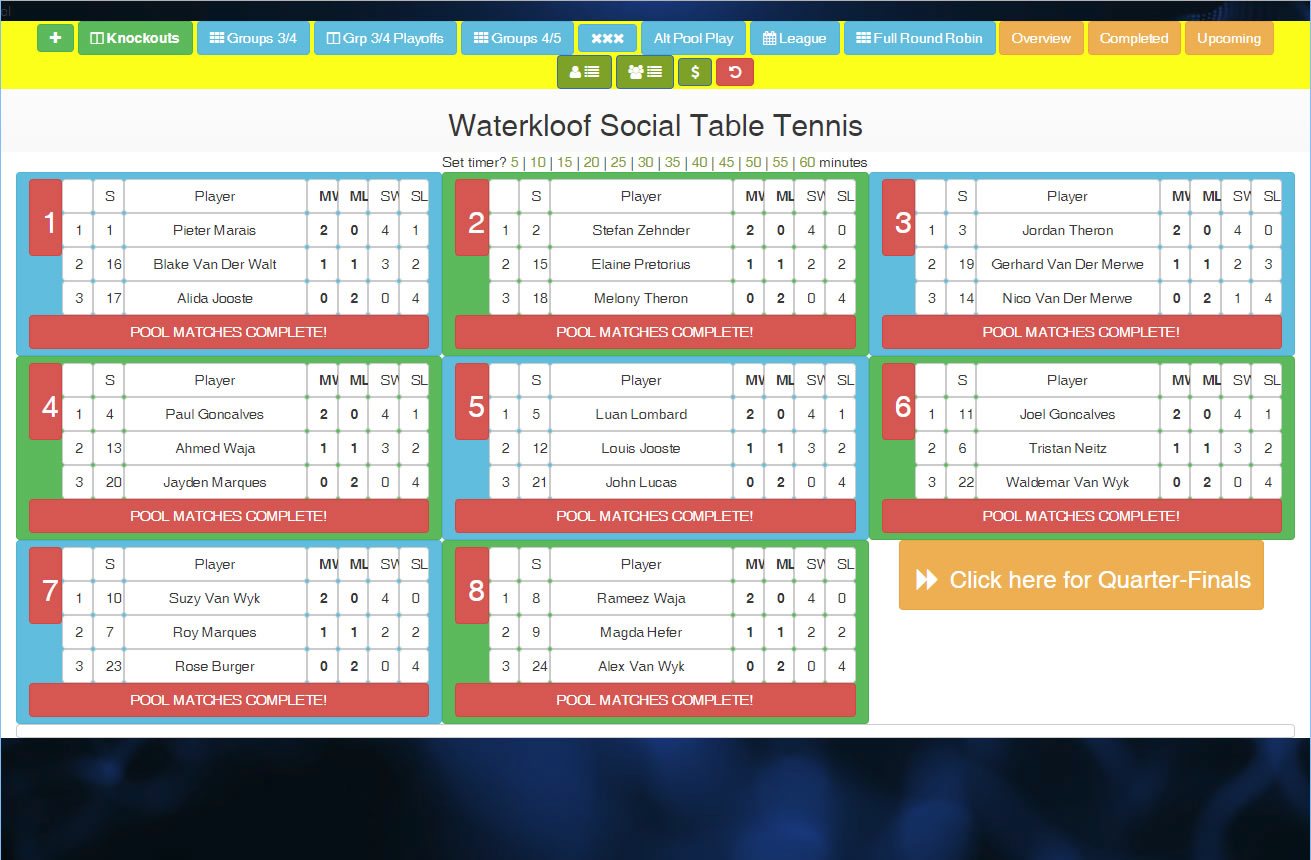
(sports_software_tournament_round_robins_view.jpg)
Knockouts in separate divisions
Every format ends in knockouts, with plate-style divisions that play out to every last position, so nobody shares a place.
Players get several matches whether they win or lose.
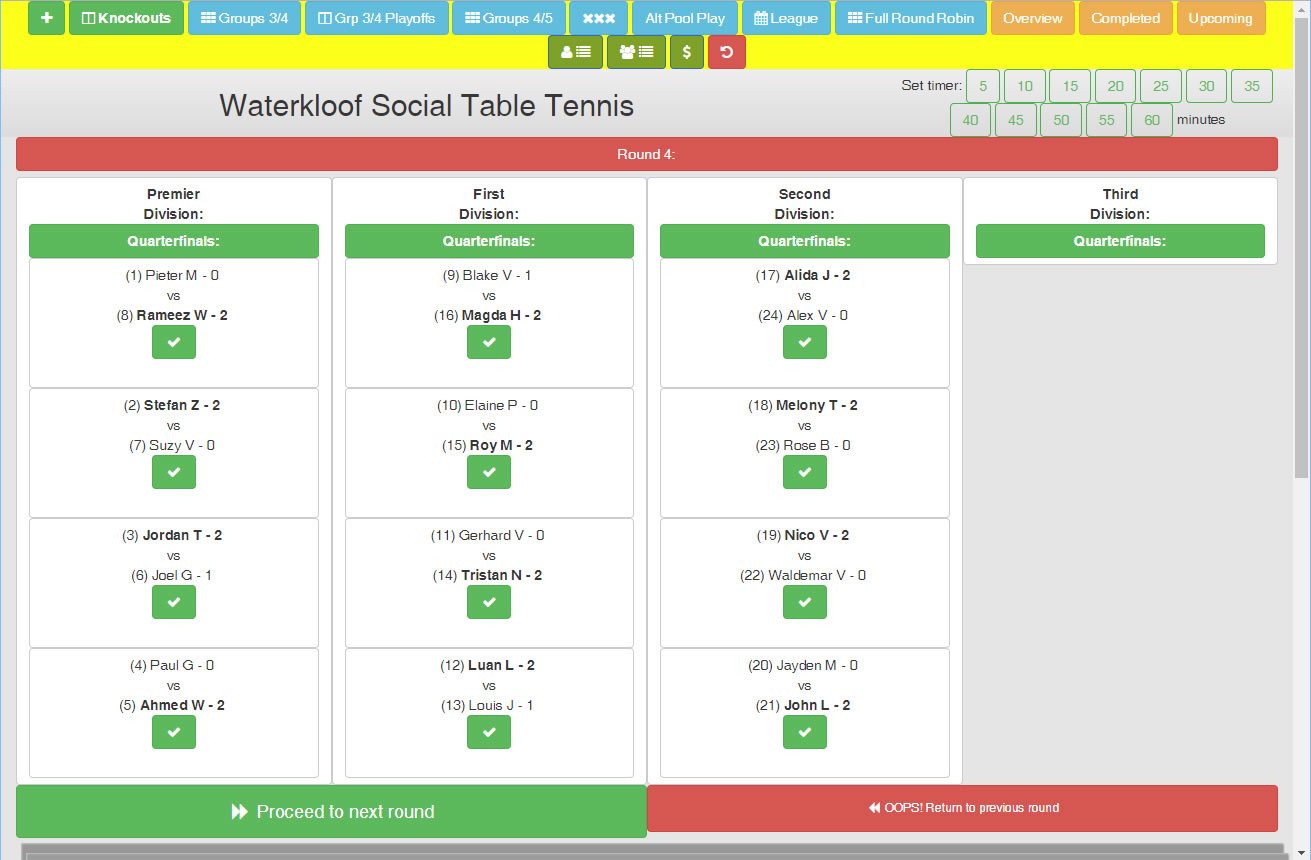
(sports_software_tournament_management_by_division_and_stage.jpg)
Assign tables, courts and fields
Assign a playing section to each match and it appears on the order of play, so participants always know where to go next.
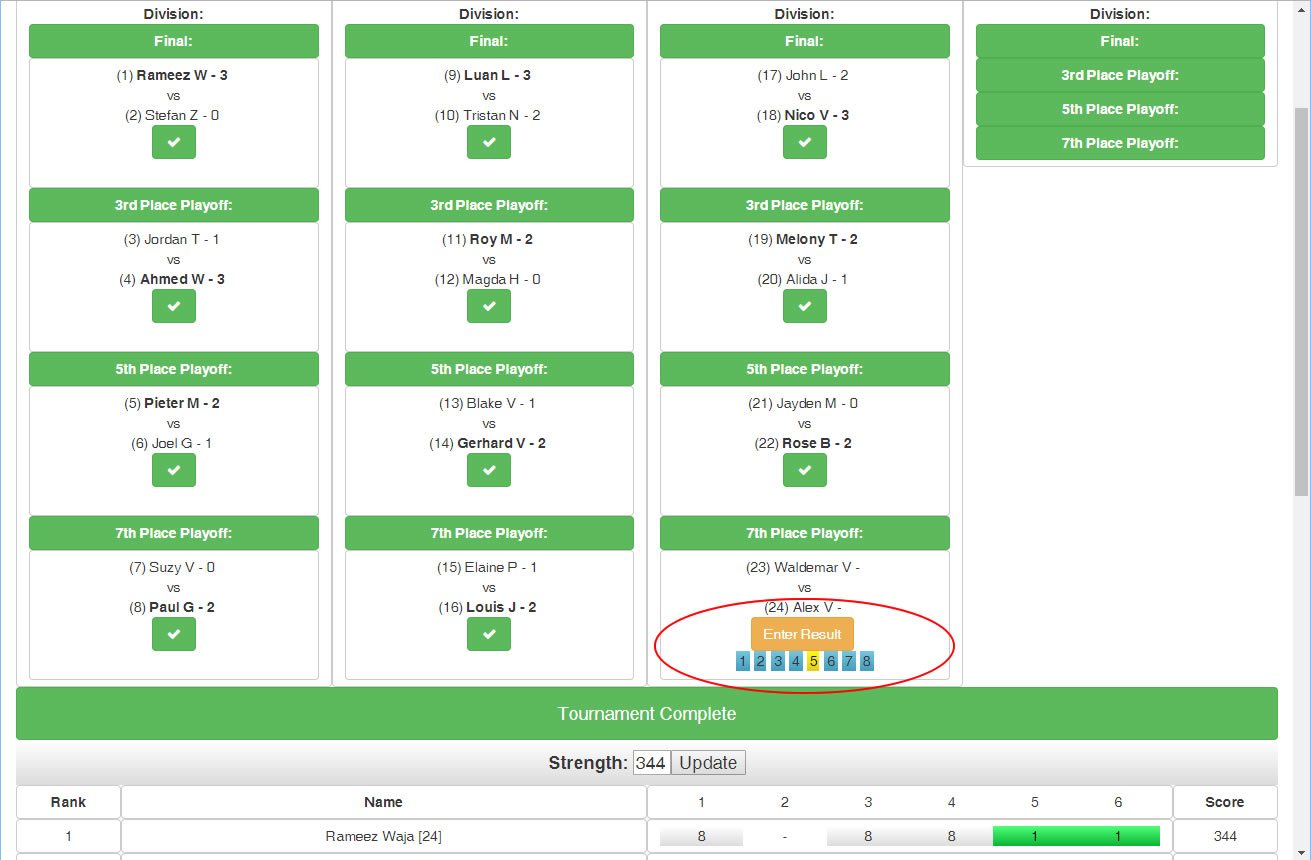
(sports_software_tournament_playing_section_assignment-1.jpg)
Enter results in one step
Choose the winner, enter the score, submit. Winner and loser are routed to the right place in the draw automatically.
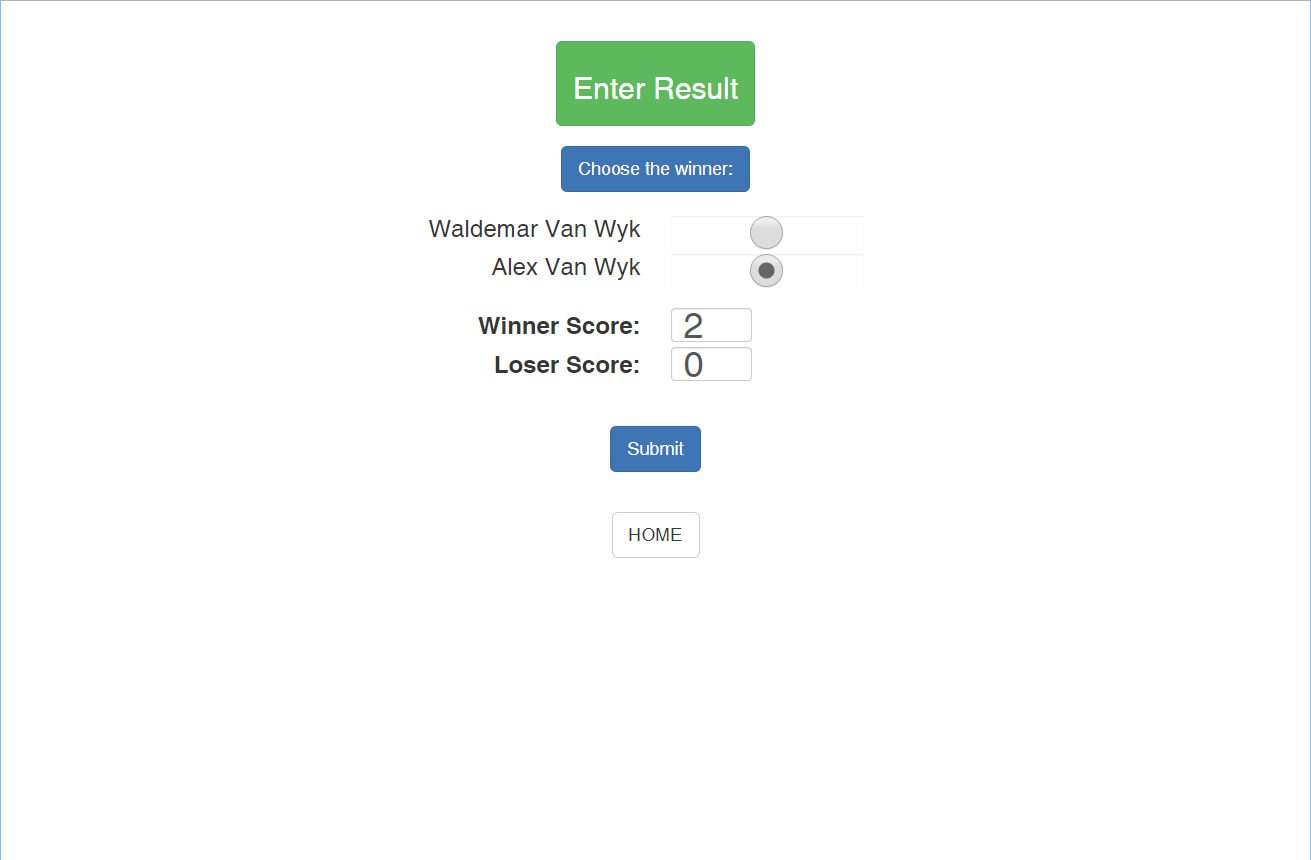
(sports_software_tournament_enter_result.jpg)
Player performance and ranking points
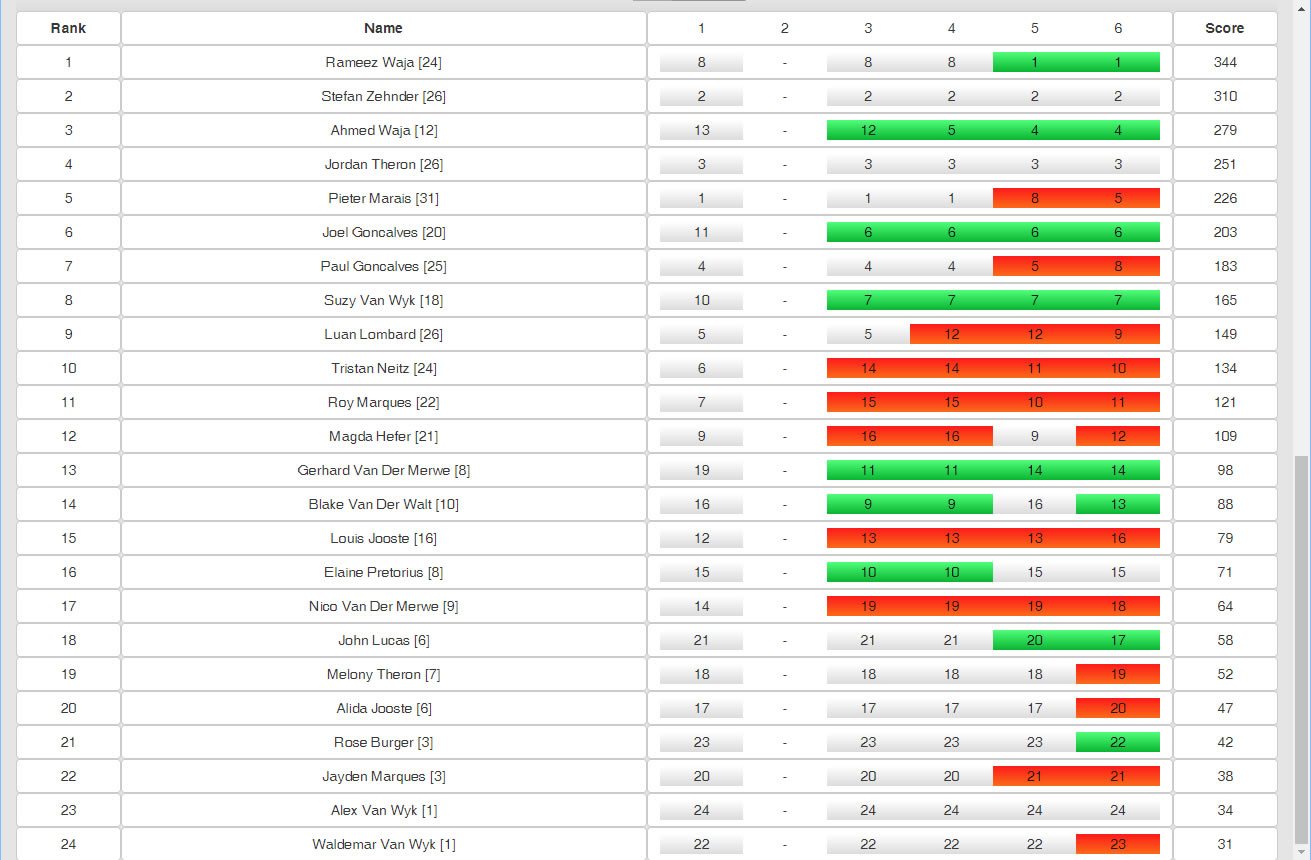
After the event, see each player’s starting seed and how it moved during the tournament.
Ranking points depend on the strength of the whole field and drop by 10% for each position.
Level rankings. Every player starts on level 1 and moves up by beating players on the same or a higher level. Player strength for ranking points comes from this system.
(sports_software_tournament_player_performance_overview.jpg)
Completed matches dashboard
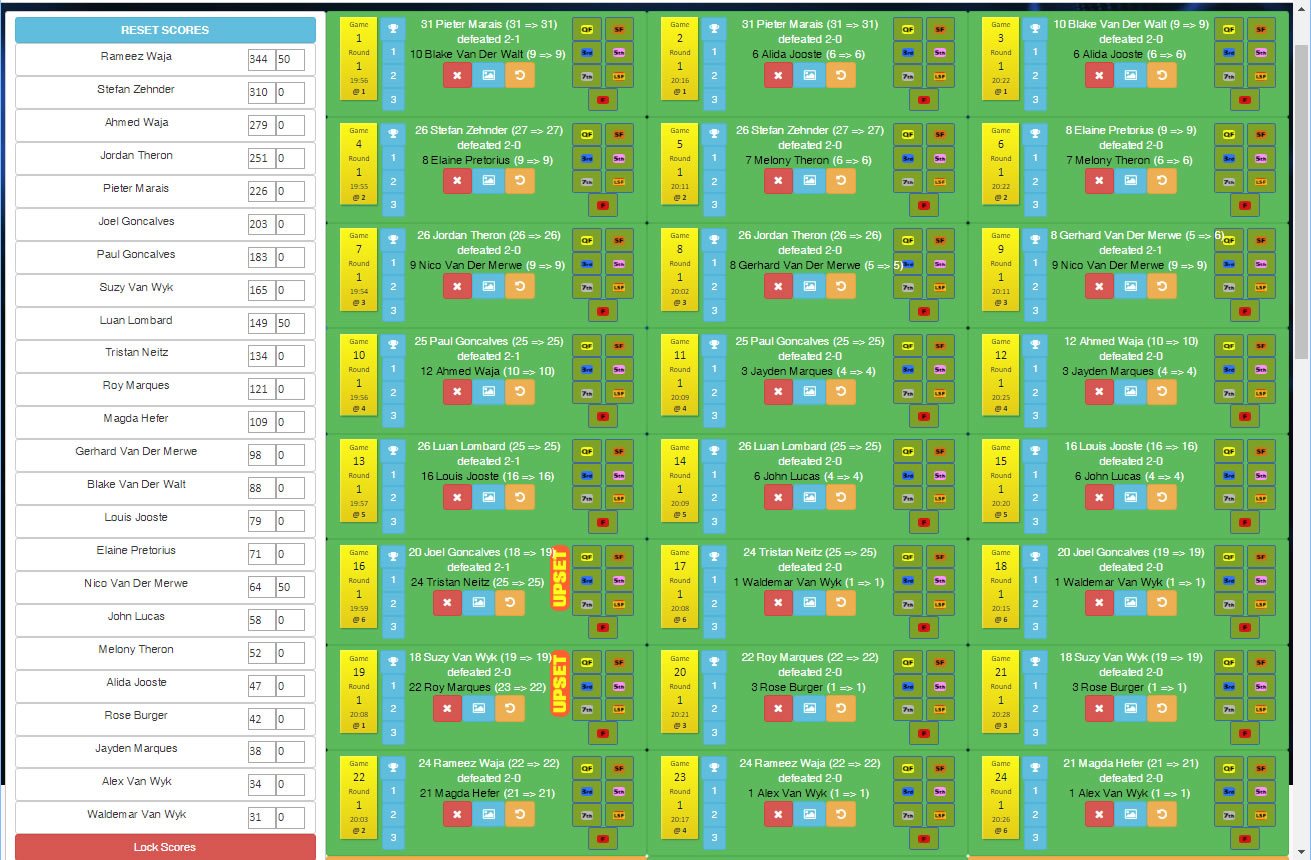
More than a list of results. Edit the tournament rating and the positional decrement, correct scores, record prize money, set or reset division and stage, delete a match, and download a results image to share with players.
(sports_software_tournament_completed_matches.jpg)